
DocFinder 1.0.0 is available now

Sort your files. Review every move.

Classify photographed documents and text images, people, nature, other supported images, PDFs, and videos locally. Preview every proposed action, then move only the files and categories you choose.

Free and donation-supported Windows 10/11 64-bit

Official release

DocFinder 1.0.0

A private, local-first organizer for supported images, PDFs, and videos, with review and confirmation before selected files move.

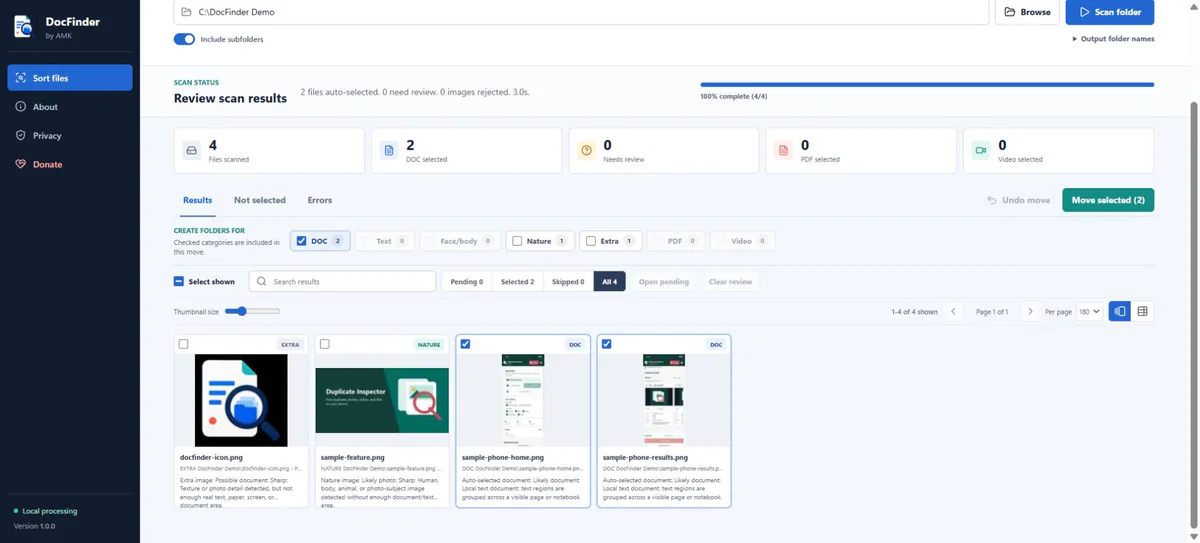
DocFinder completed scan showing category choices and selected files ready to move

By AMK

DocFinder

Local classification with review before every move.

Version
1.0.0
Compatibility
Windows 10/11, x64
Installer size
225.50 MiB
Released
26 July 2026
Download DocFinder 1.0.0
Release verification

The public Drive file exactly matches the local release. Microsoft Defender found no threats on 26 July 2026. Verify the installer with the SHA-256 checksum below.

Unsigned installer

This release is not digitally signed, so Windows may show “Unknown publisher” or a SmartScreen warning. Download it only from this official page and verify its checksum.
What it organizes

Useful categories for mixed photo and file collections.

  • Photographed pages, bills, IDs, forms, and handwriting
  • Images containing visible text
  • People, faces, nature, animals, and other images
  • PDF and video files grouped by file type
  • JPG, PNG, WebP, TIFF, BMP, AVIF, HEIC, and HEIF images

Word, Excel, PowerPoint, and general text documents are not currently supported and remain in place. PDF and video contents are not analyzed.

Review before moving

You make the final decision.

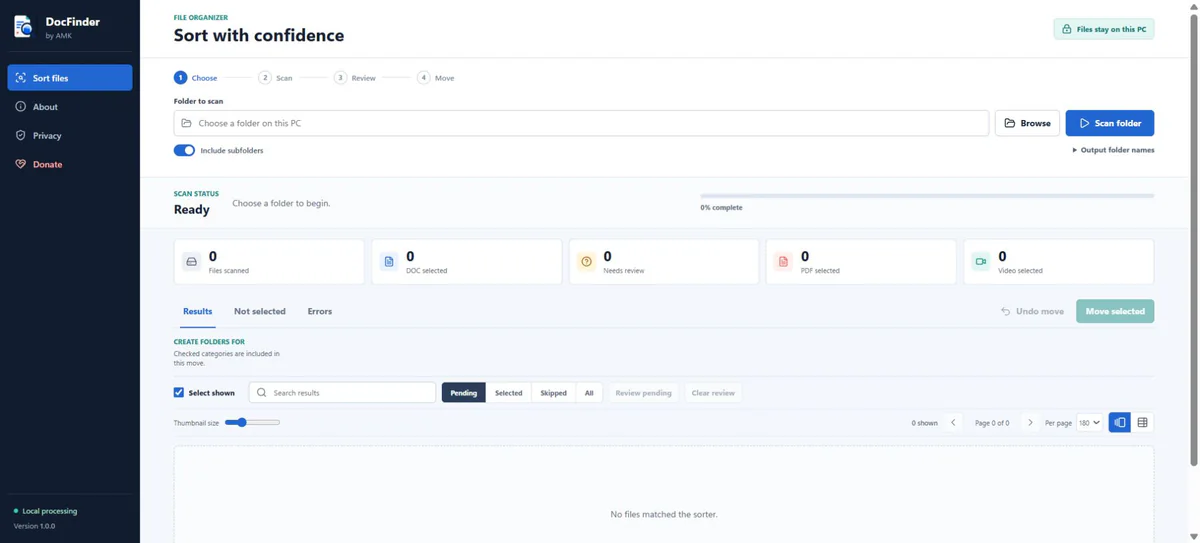
  • Scanning creates a preview and does not move files
  • Choose whole categories or review individual files
  • A final confirmation is required before files move
  • Existing DocFinder category folders are reused
  • Filename collisions receive a numbered name
  • Undo the latest move set while those files are unchanged

Local-first privacy

Normal scanning is designed to work offline.

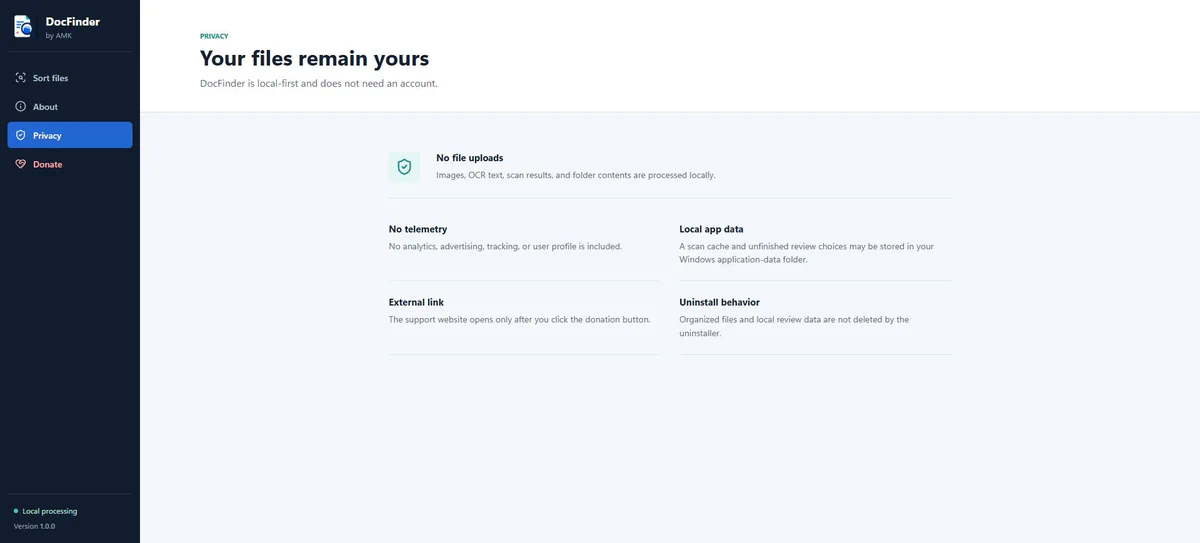
DocFinder has no account, advertising, analytics, telemetry, or cloud-upload feature. It does not upload your files or scan results. The optional Donate button opens supportamk.com in your browser.

A local scan cache and unfinished review choices may remain in your current Windows user’s application-data folder. Uninstalling leaves organized files and that local app data in place by default.

Before you move files

Classification is a suggestion, not a guarantee.

  • Review every selected file and destination folder
  • Keep an independent backup of important files
  • Remember that selected files are moved, not copied
  • Do not rely on Undo as your only recovery option

Installation

Designed for the current Windows user.

DocFinder uses an assisted per-user installer, so administrator access is normally unnecessary. Choosing a protected system folder may still require additional permission.

Undo applies only to the latest unchanged move set in the current app session. It cannot restore a file that changed after moving or when its original path is already occupied.