
Duplicate Inspector 1.3.1 is available now

Find duplicates. Keep every scan on your device.

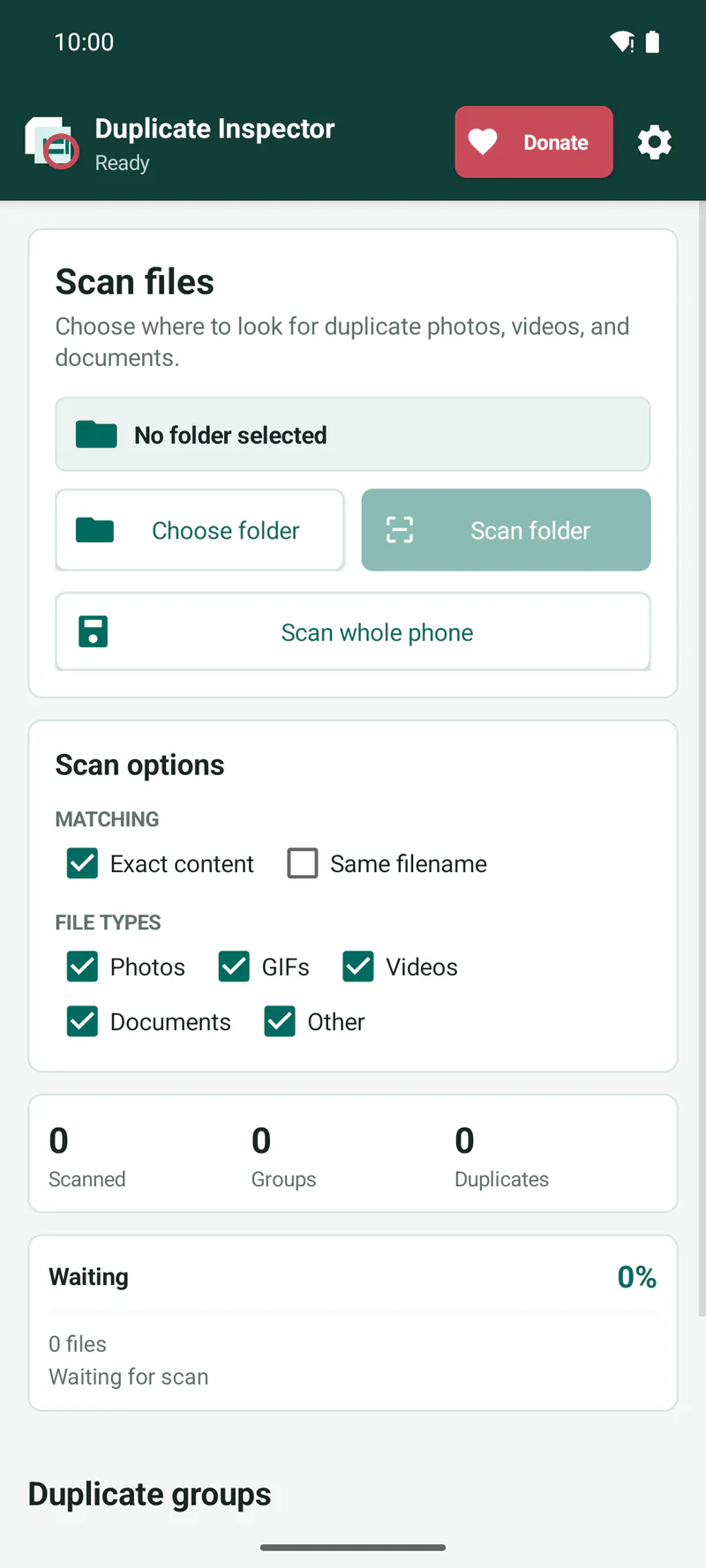
Scan a selected folder or, with optional permission, shared storage across your phone. Compare grouped matches and choose exactly what to keep.

Free and donation-supported Android 8.0+ No ads or account

Official Android release

Duplicate Inspector 1.3.1

Find exact duplicate photos, GIFs, videos, documents, archives, and other files, then review every selected copy before permanent deletion.

Duplicate Inspector name beside duplicate file cards and a magnifying glass

By AMK

Duplicate Inspector

Private, on-device duplicate-file review.

Version
1.3.1 (code 5)
Compatibility
Android 8.0 or newer
APK size
57.56 KiB
Released
31 July 2026
Download Duplicate Inspector 1.3.1
Signed and verified release

The release APK has valid Android v2 and v3 signatures. Compare your downloaded file with the SHA-256 checksum below before installing it.

Installing the APK

Android may ask you to allow “Install unknown apps” for your browser or file manager. Download only from this official page, verify the checksum, and approve the prompt only if the app name is Duplicate Inspector.
Built for careful review

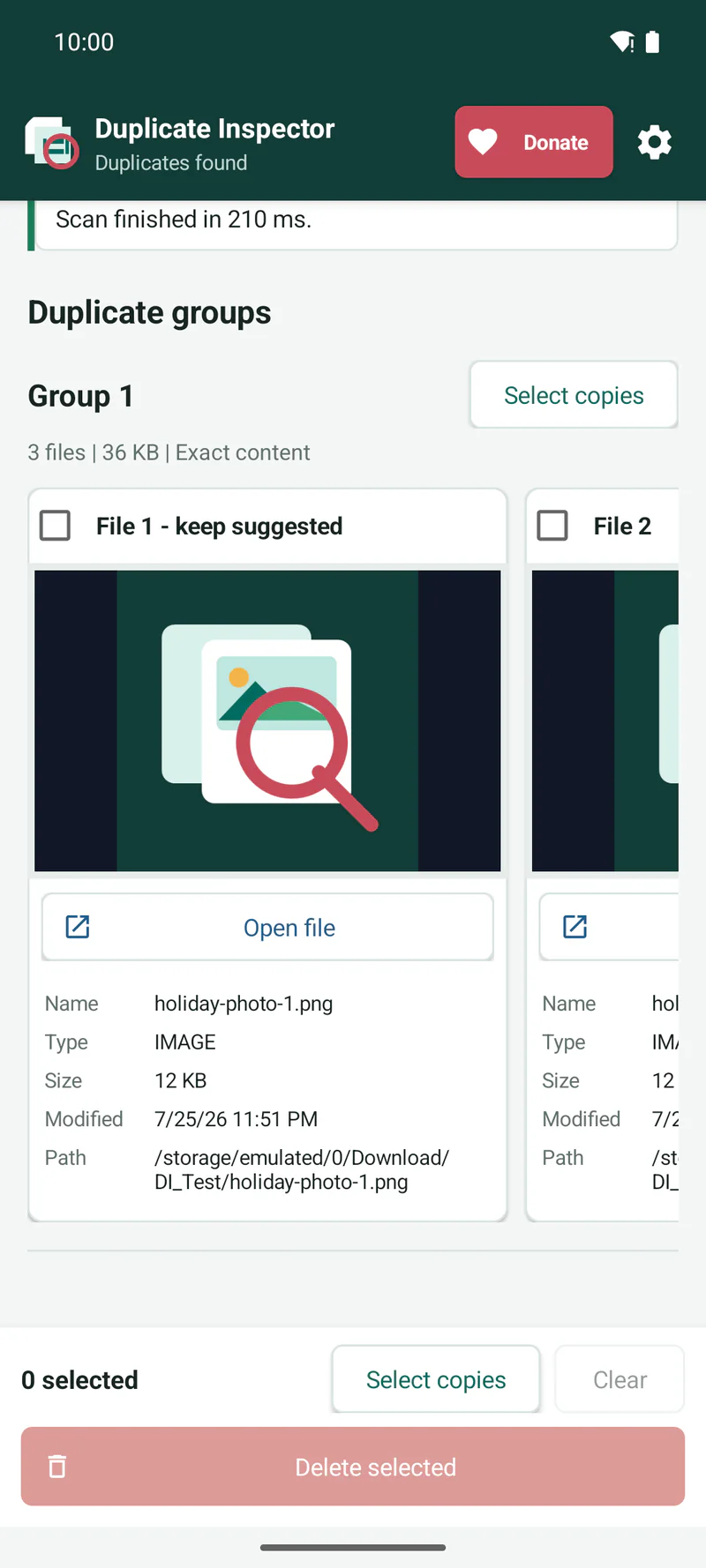
Compare each group before removing a copy.

  • Find exact duplicate content using SHA-256 hashes
  • Optionally find files with the same filename
  • Preview photos, GIFs, and video thumbnails
  • See file type, size, date, and path before deciding
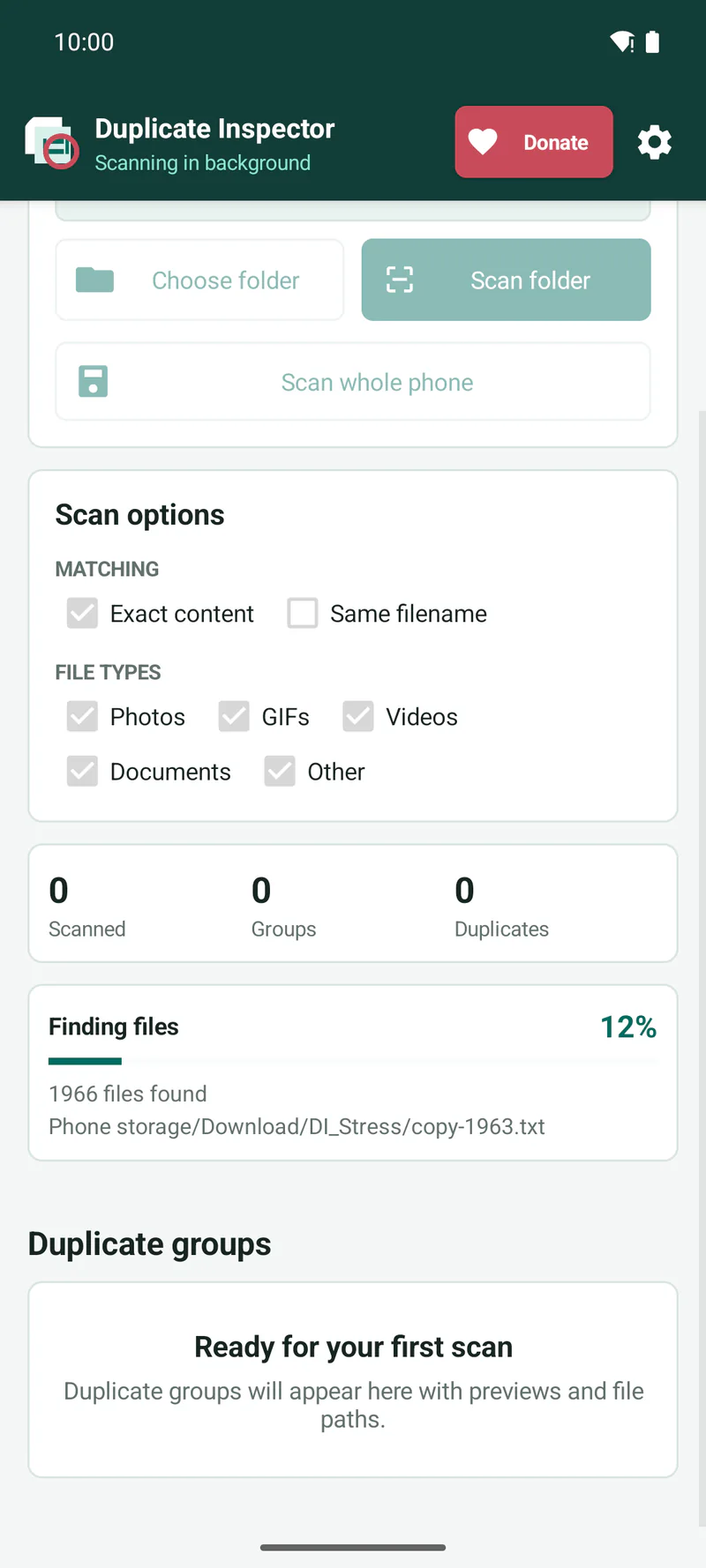
  • Continue a user-started scan with progress notifications
  • Automatic Select copies preserves each suggested keeper
  • Manually select every file when intended, with a stronger full-group deletion warning

On-device privacy

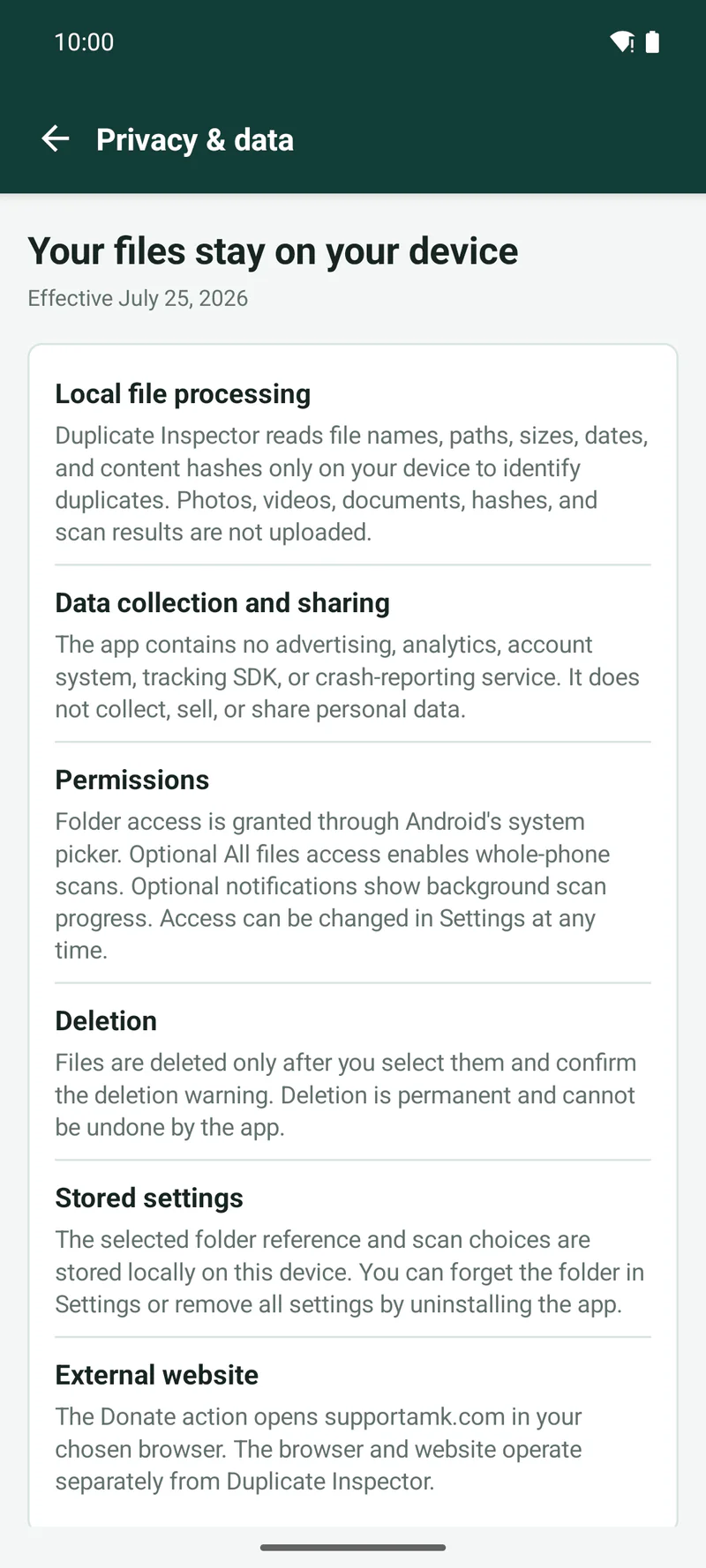
Your files and results stay on your phone.

  • No account, ads, analytics, tracking, or crash-reporting SDK
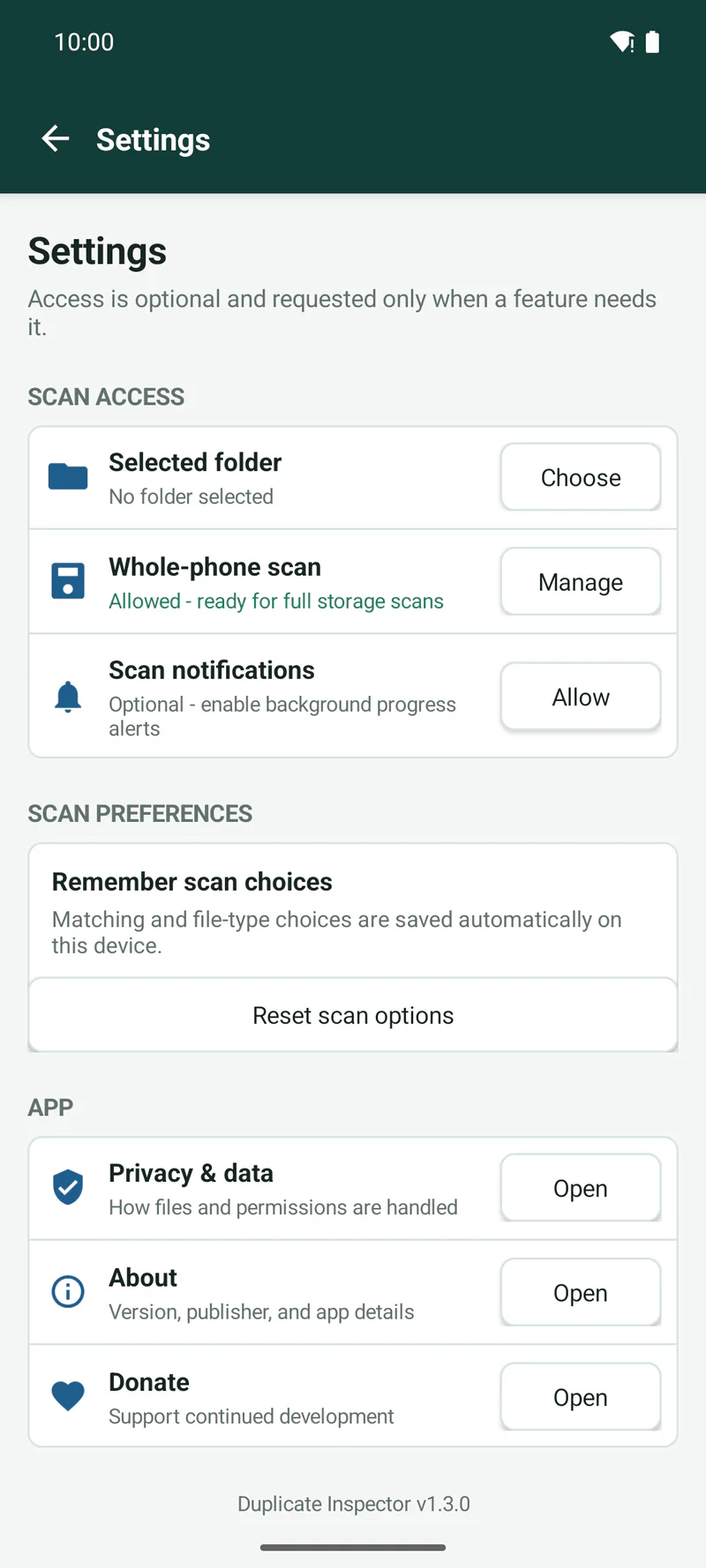
  • Folder scanning works with Android’s folder picker
  • Whole-phone scanning uses optional All files access
  • Notifications are optional and show scan progress only

Deletion safeguard

Deletion is permanent on Android.

Duplicate Inspector never deletes automatically. A file is removed only after you select it and confirm the permanent deletion warning. Automatic Select copies leaves the suggested keeper unselected, but you may manually select every file in a group. If no copy will remain, the app shows an additional warning. Deleted files cannot be restored by the app.

Read the complete app privacy policy