
Expense Office 2.4.1 for Android

Keep project expenses, receipts, and reports together.

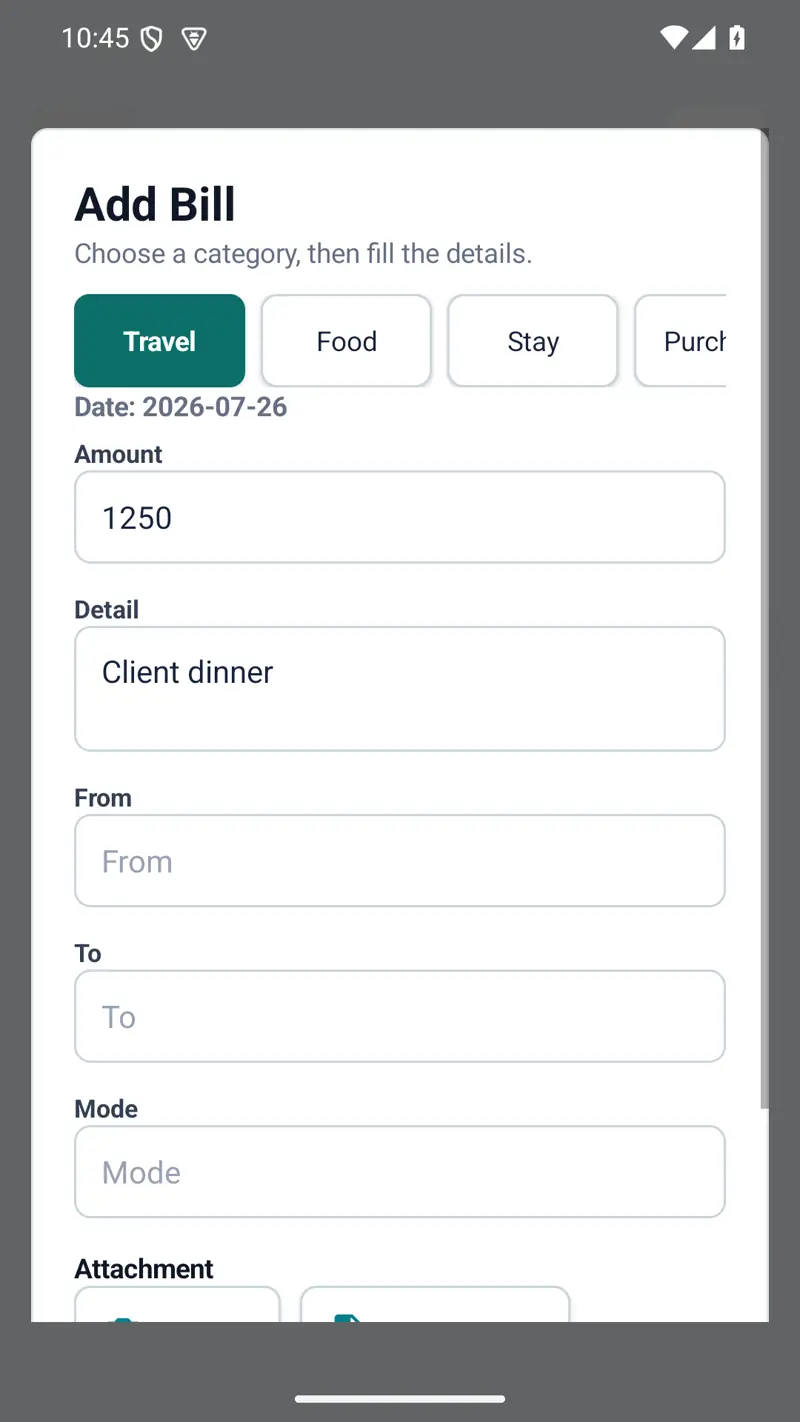
Record bills by category, attach receipt images or PDFs, and keep each project’s Excel report and latest local backup automatically updated after every change.

Free and donation-supported Android 6.0+ No ads or sign-in

Android application

Expense Office 2.4.1

A local-first project-expense manager for employees, freelancers, and field teams who need organised bills, receipt evidence, and exportable project records.

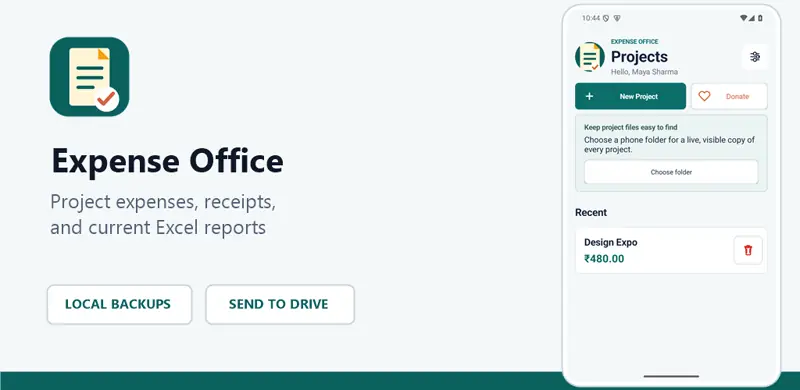
Expense Office feature artwork showing project expense and receipt organisation

By AMK

Expense Office

Project expenses, receipts, Excel reports, and backups.

Version
2.4.1 (code 10)
Compatibility
Android 6.0 or newer
APK size
211.15 KiB
Release date
27 July 2026
Download Expense Office 2.4.1
Release-signed APK

The release APK has verified Android v1 and v2 signatures and matches the SHA-256 checksum published below. No antivirus or Microsoft Defender result is claimed for this release.

Installing the APK

Android may ask you to allow “Install unknown apps” for your browser or file manager. Download only from this official page, verify that the app name is Expense Office, and approve installation only if you trust this release.
Project records

Organise bills and receipt evidence by project.

  • Create, edit, complete, restore, and delete projects
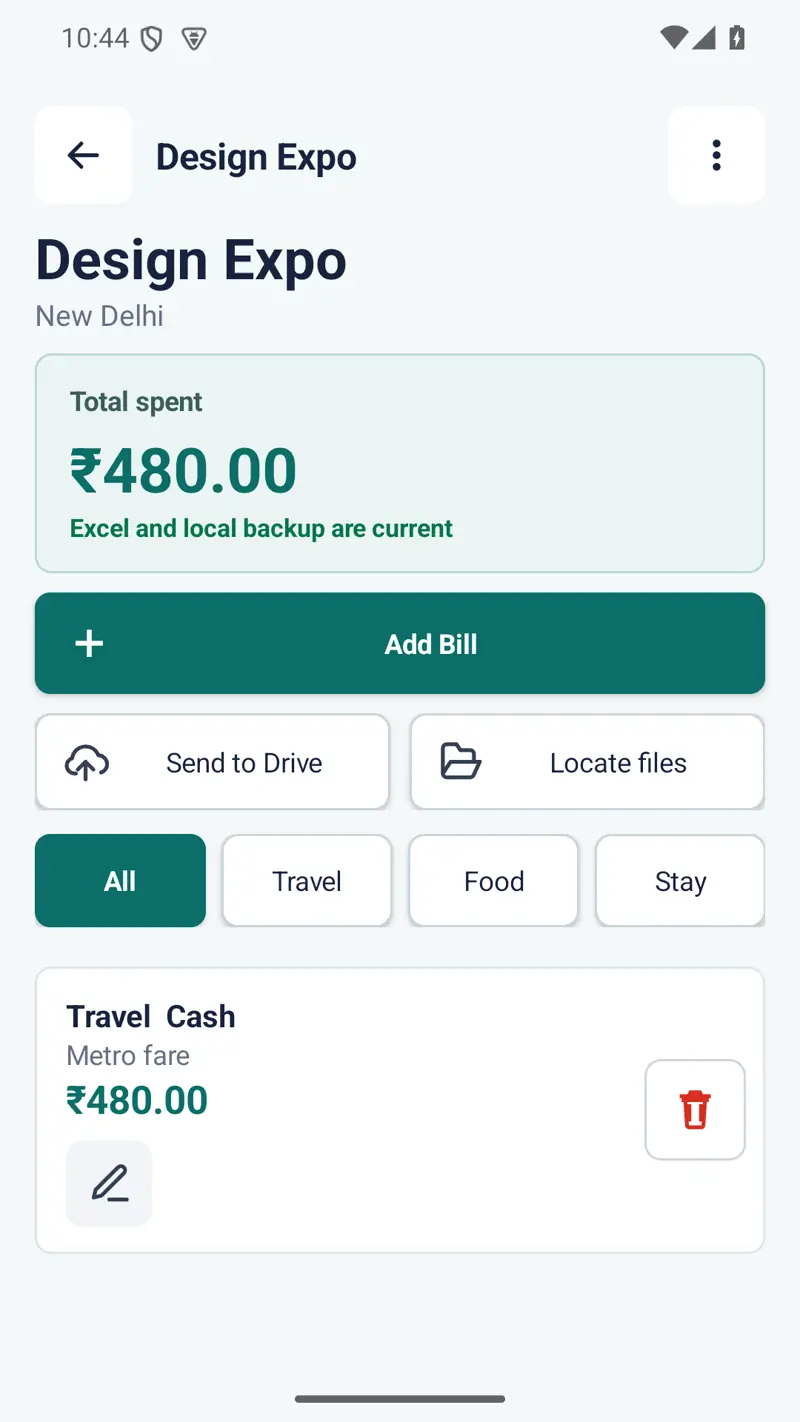
  • Record Travel, Food, Stay, Purchase, Extra spendings, and Cash in Hand
  • Attach camera, gallery, image, or PDF receipt evidence
  • Mark bills without an attachment clearly as Cash
  • Use recycle bins and confirmations before permanent deletion
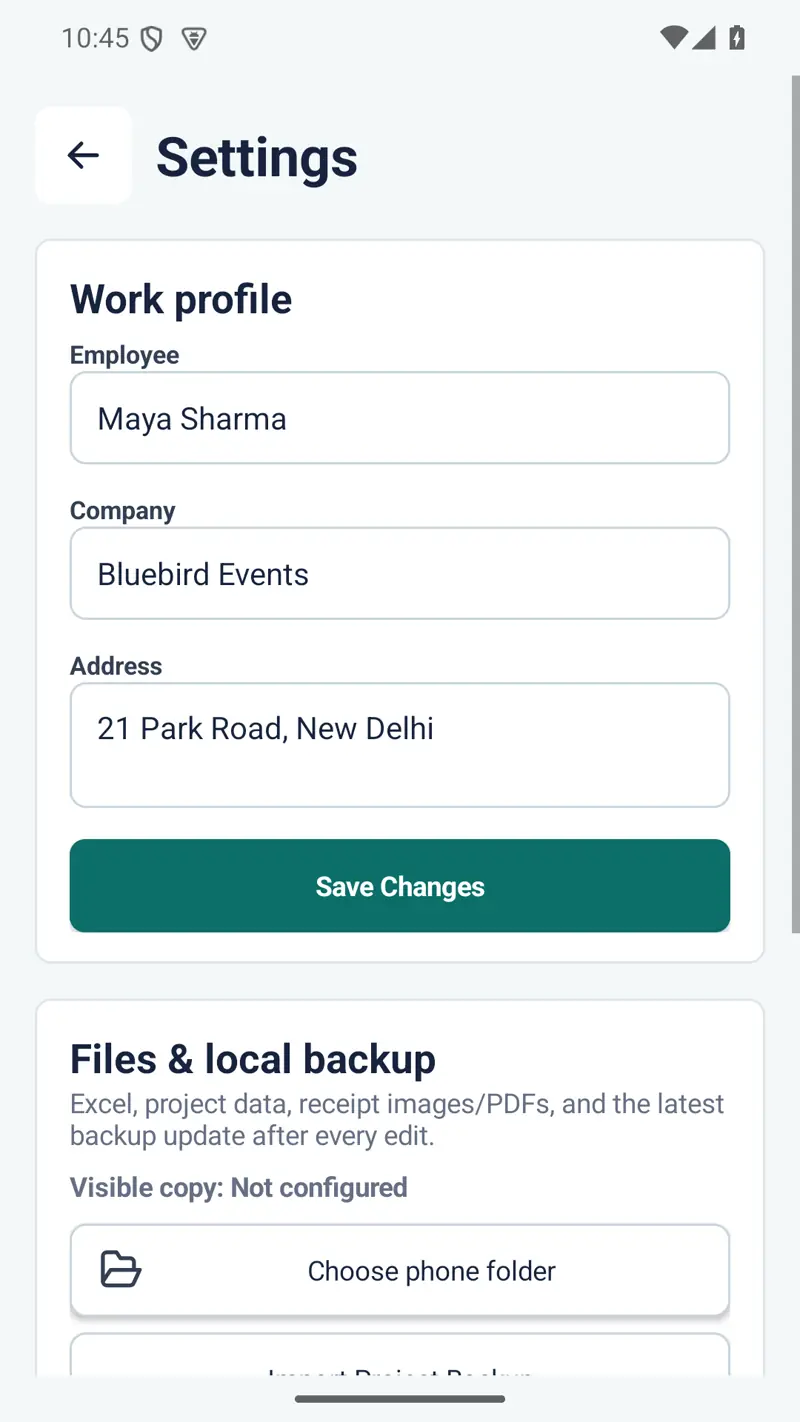
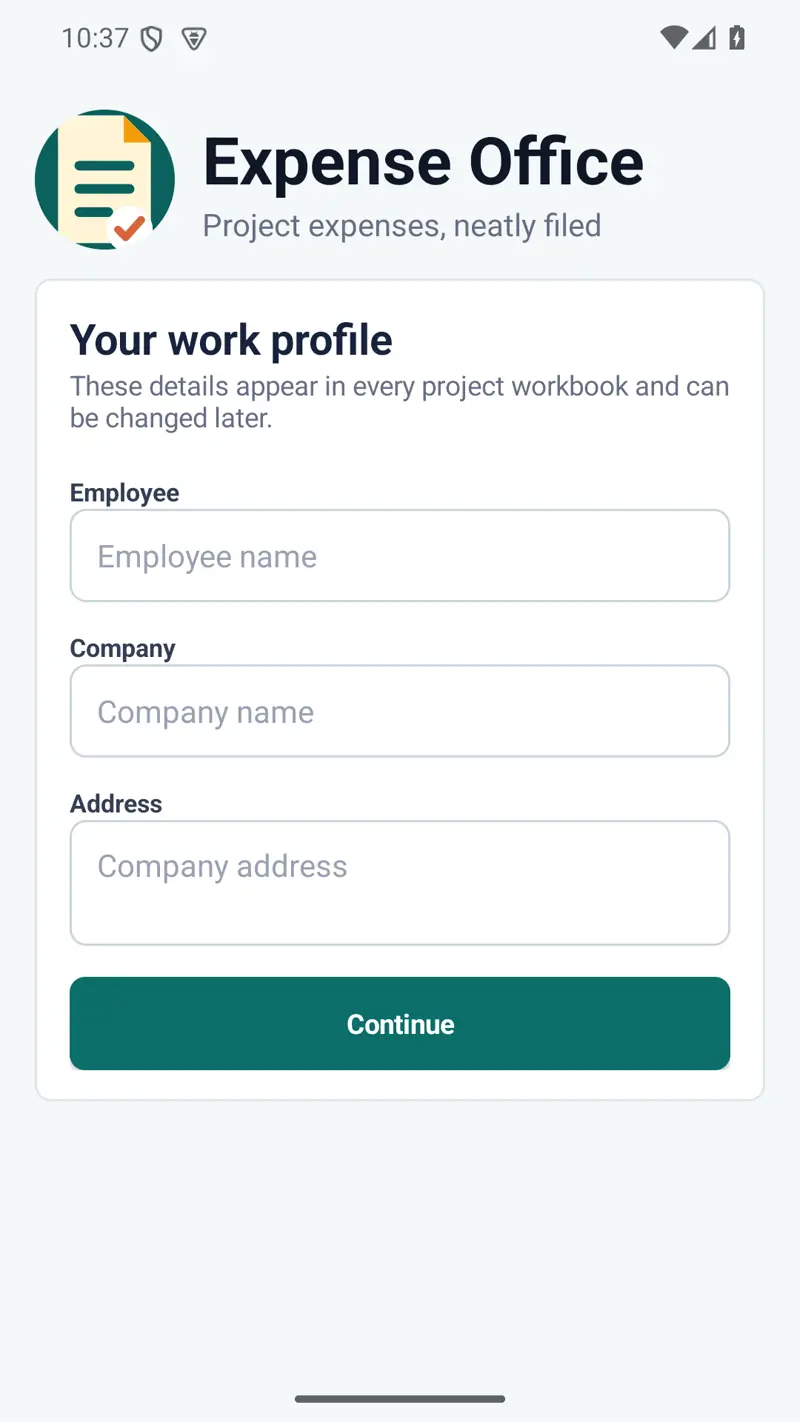
  • Keep employee, company, and company-address profile details

Reports and backups

Keep useful project files refreshed locally.

  • One automatically refreshed Excel workbook per project
  • One automatically refreshed local backup ZIP per project
  • Validated backup import from Settings
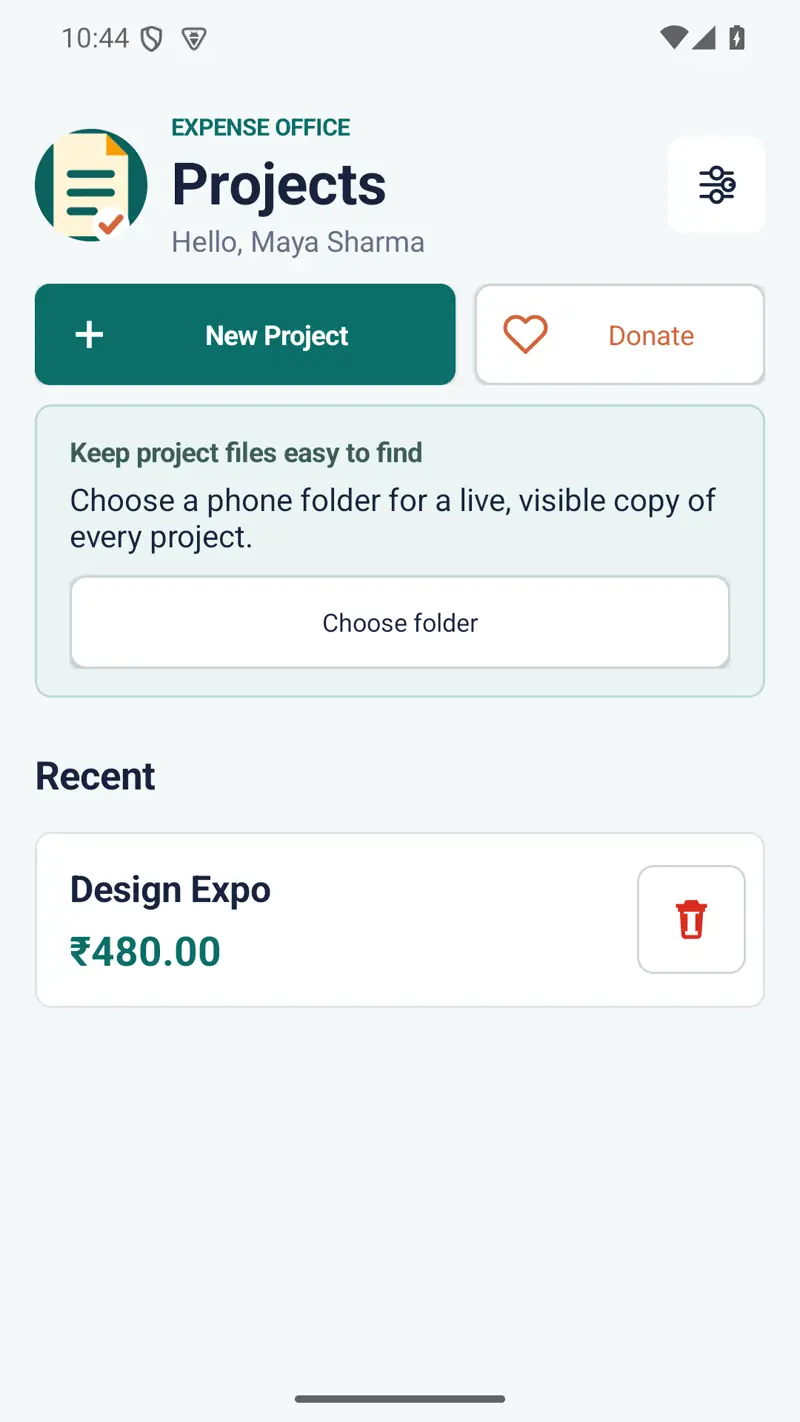
  • Optional live project copies in a phone folder you select
  • Locate files actions for the selected visible folder
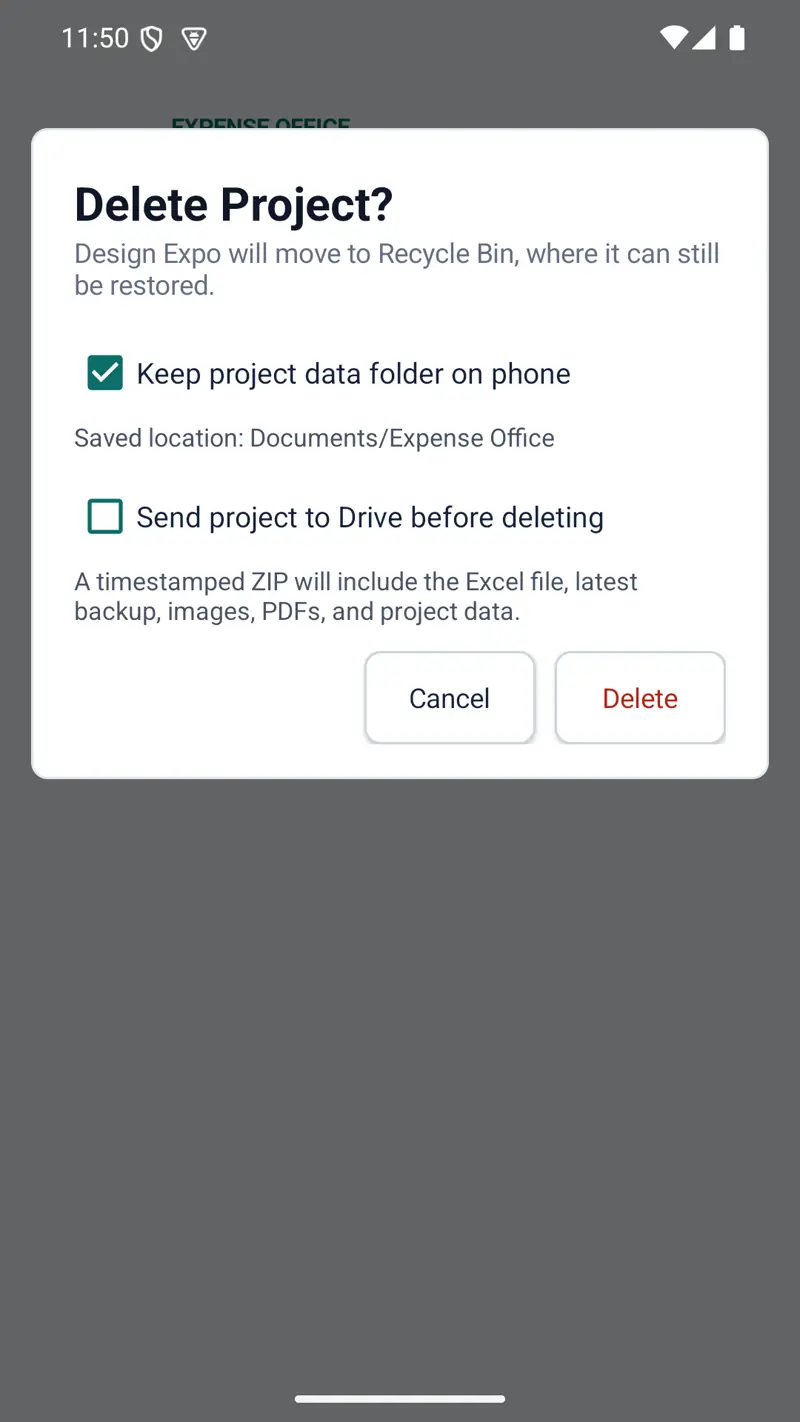
  • Complete timestamped ZIP export through Android’s share sheet

Manual sharing

No automatic Drive connection or background sync.

Expense Office has no Internet permission, Drive API, Google account connection, or background cloud service. When you choose Send to Drive, the app prepares a complete project ZIP and opens Android’s share sheet. You choose Drive or another destination.

Returning from the share screen does not prove that another app finished uploading the file. Check the chosen destination before permanently deleting important project data.

Private by default

Canonical records stay in Android private storage.

  • No account, advertising, analytics, or tracking
  • No developer server or automatic data upload
  • No Internet, broad-storage, or camera permission
  • Camera and file selection use Android intents and content URIs
  • External folder and exported copies are created only when you choose
Read the complete app privacy policy

Sensitive records

Protect expense and receipt information.

Project names, employee and company details, amounts, notes, and receipt images or PDFs may contain personal, commercial, or financial information. Use a secure device lock and review files before sharing them.

Copies written to a selected phone folder or exported to another app are outside Expense Office’s private storage. They may remain after app data is cleared or the app is uninstalled and must be managed separately.

Important record-keeping notice

Review every report before relying on it.

Expense Office is an organisational tool, not accounting, tax, legal, audit, or employment advice. Confirm amounts, categories, receipt evidence, and exported files against original records and the requirements of your employer, client, accountant, or relevant authority.

Keep independent copies of important records. Device loss, storage failure, accidental deletion, operating-system changes, or an incomplete third-party share can still cause data loss.

Deletion choices

External copies need separate attention.

Bills and projects can remain in the app’s recycle bins until restored or permanently deleted. Project deletion can preserve the visible phone folder, prepare a share copy, or do both.

Files already written to a selected phone folder, Drive, or another destination are separate copies. Deleting app records, clearing storage, or uninstalling Expense Office does not automatically delete those copies.